Test Your Agent
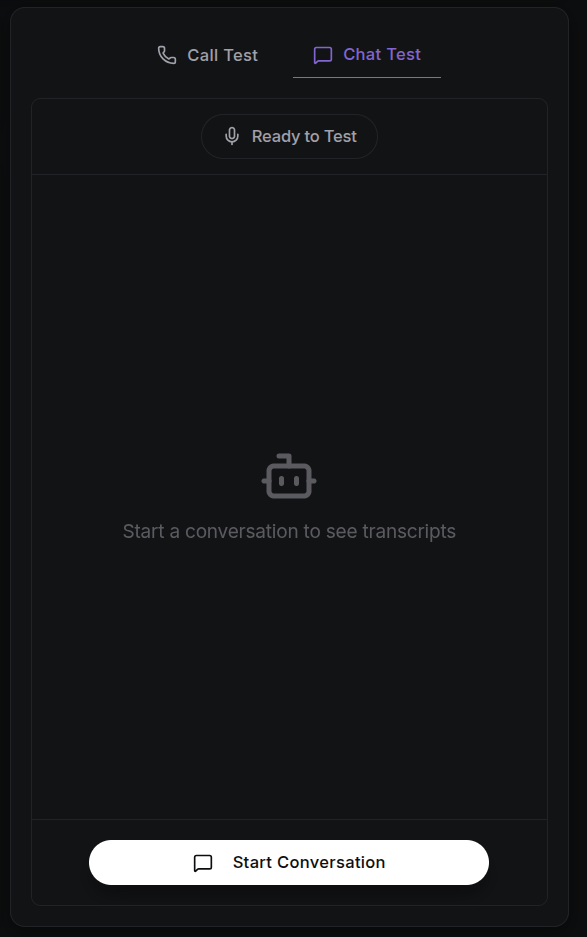
Before deploying your agent to a live environment, use the built-in testing tools to check its conversational logic, personality, and response accuracy. Testing lets you see how your agent will behave with real customers, without any risk.
Testing with Dynamic Variables
If any dynamic variables are detected in the Welcome Message or Prompt (for example {{customer_name}} or {{order_id}}), they will automatically appear as input fields below the Prompt in the Agent Behaviour tab.
Dynamic variables let you personalise conversations, for example by using the customer's name or their order number. During testing, these variables can be assigned temporary values to simulate real-world conversations.
- In the Agent Behaviour tab, check the dynamic variables section below the Prompt.
- Variables detected in the Welcome Message or Prompt will automatically appear as input fields.
- Enter sample values for these variables before starting the test.
- Start the test conversation to see how the agent uses these values in its responses.
These values are only used for the test session, allowing you to verify that the agent correctly handles personalised or contextual data.
Browser-Based Call Testing
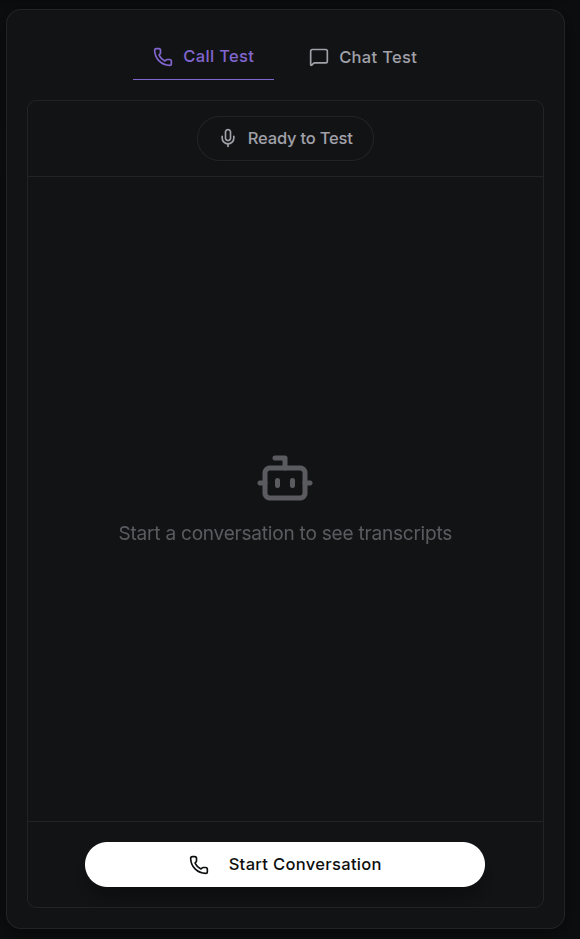
You can call your agent directly from your browser, without using an external phone line.
- Initiate Call: Click the Start Conversation button within the agent dashboard.
- Microphone Access: Ensure you grant your browser permission to use your microphone.
- Live Monitoring: As you speak, a Live Transcription window will appear, showing both your voice input and the agent's response turn by turn as the call progresses.
- Real-Time Feedback: Use this view to monitor latency (response speed), transcription accuracy (how accurately your speech is turned into text), and the agent's decision-making in real time.
Debugging Tips
- Stress Test Variables: Try entering unexpected data types or very long strings into the dynamic variable fields to see how your agent handles them.
- Monitor Live Transcription: If the live transcription is consistently mishearing specific industry terms, consider adding those terms to the Keywords field in your speech-to-text configuration.
- Validate Logic: Use the live transcript to identify exactly where an agent might be deviating from your instructions or failing to trigger a configured guardrail.