Integrations
Integrations are the outside services you connect to your agent. They power its core abilities: language understanding (LLM), speech recognition (STT), and voice synthesis (TTS).
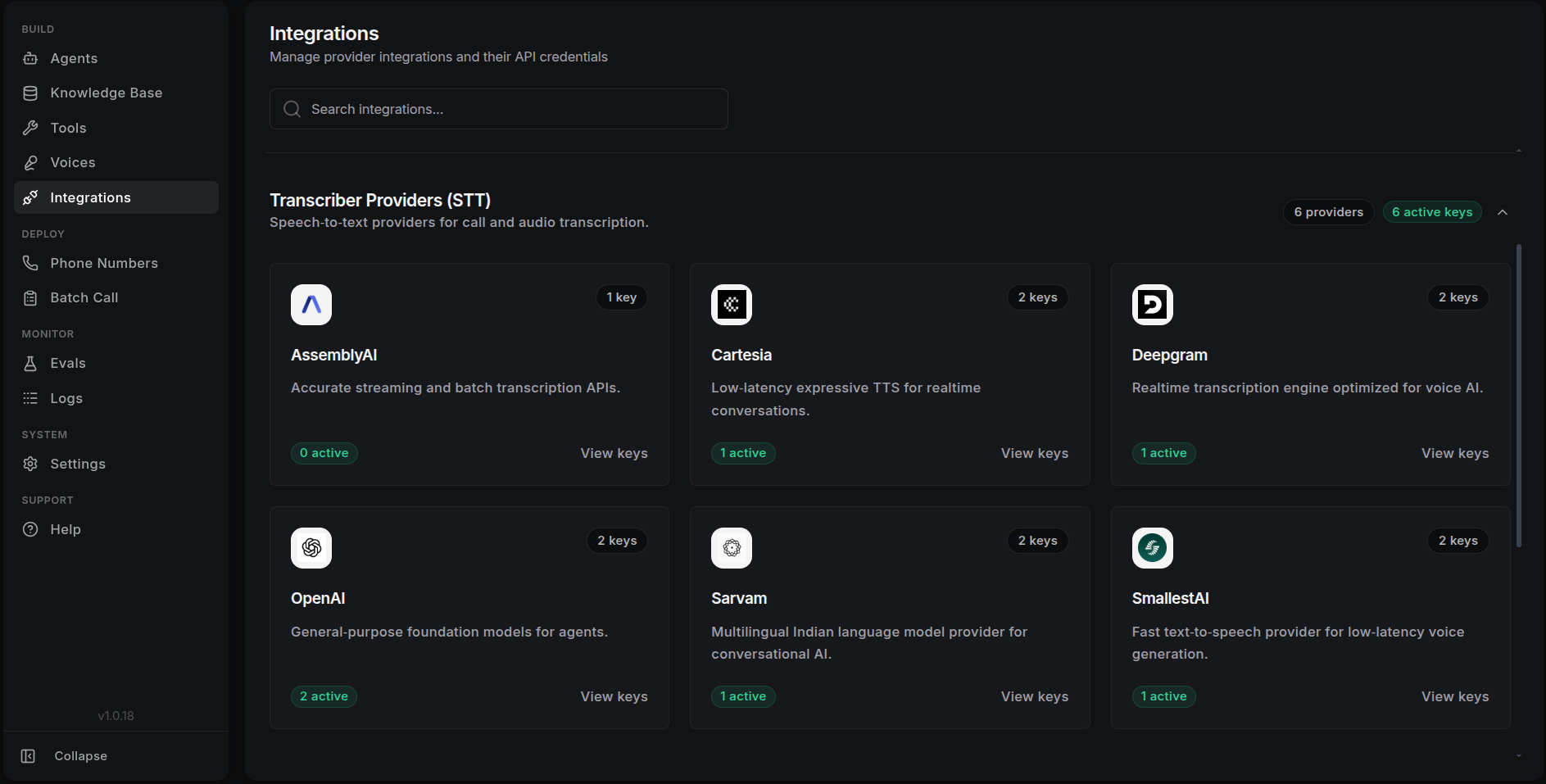
Adding an Integration
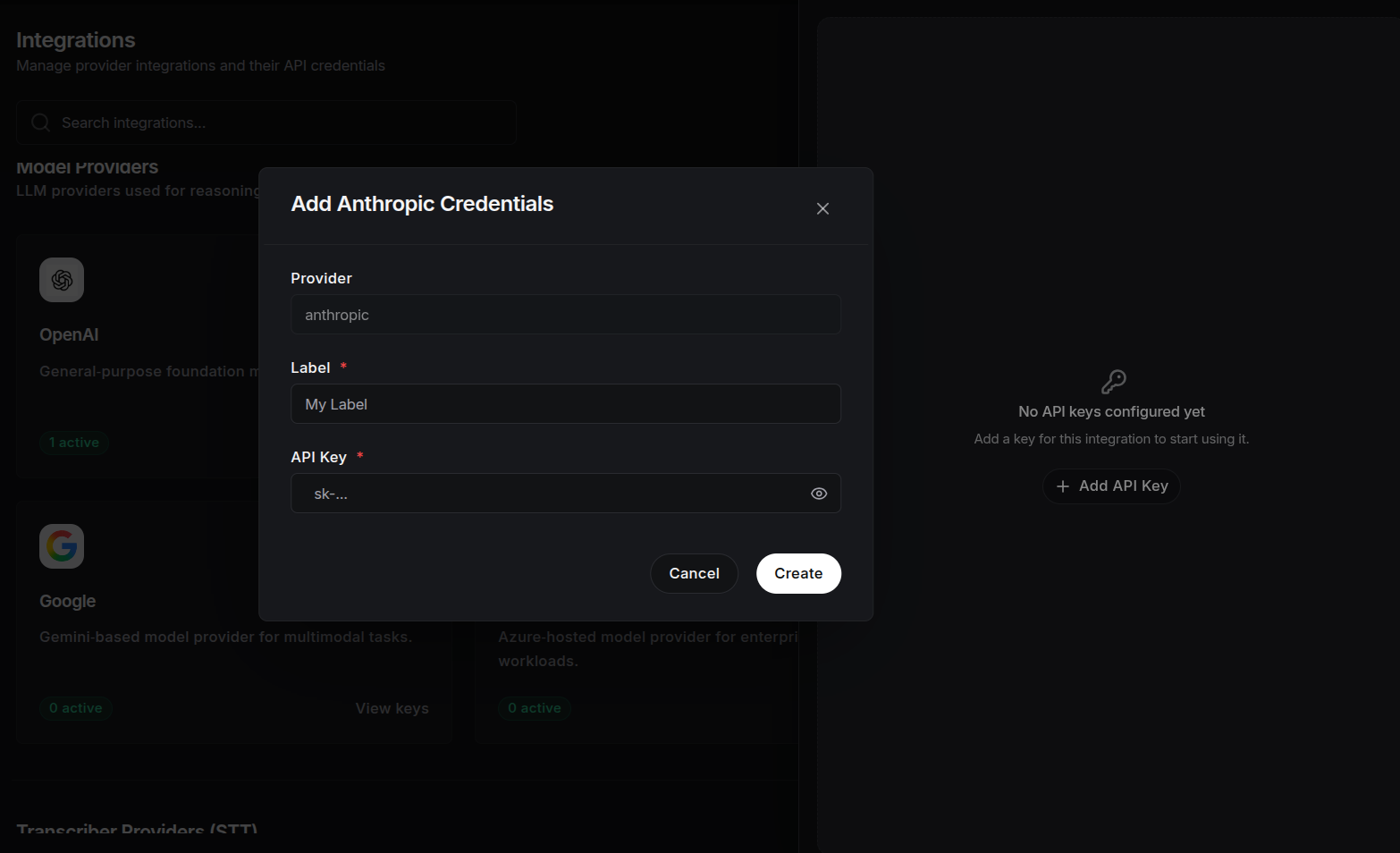
To connect a new service, go to the Integrations dashboard and fill in the fields below:
1. Label
Give this integration a clear, unique name, such as "Main OpenAI Account" or "Production Cartesia Key". A good name helps you tell apart multiple keys or accounts from the same provider.
2. Provider Type
Choose the kind of service you are adding. Each type has a specific job:
- LLM (Large Language Model): Powers the agent's intelligence and conversation.
- STT (Speech-to-Text): Turns the caller's speech into text.
- TTS (Text-to-Speech): Turns the agent's text replies into spoken audio.
3. Provider
A provider is the company that owns the AI model or speech service. Choose the provider you want to use. Examples include:
- LLM: OpenAI, Anthropic, or Groq.
- STT: Deepgram or Gladia.
- TTS: Cartesia, ElevenLabs, or Play.ht.
4. API Key
Paste the API key from the provider's dashboard. An API key is a password that lets ScaleAI use the service on your behalf. Without it, ScaleAI cannot reach the provider's models.
Management & Security
- Centralized keys: Once a provider is created, its API key can be reused across multiple agents. That makes it easy to rotate keys or update accounts in one place.
- Secure storage: API keys are encrypted and stored securely. Never share your keys in public logs or transcripts.
- Activate your key: After adding a key, select it in your agent's LLM or Audio & Voice settings. The integration only becomes active once you choose it there.